Conflict of interest – remove
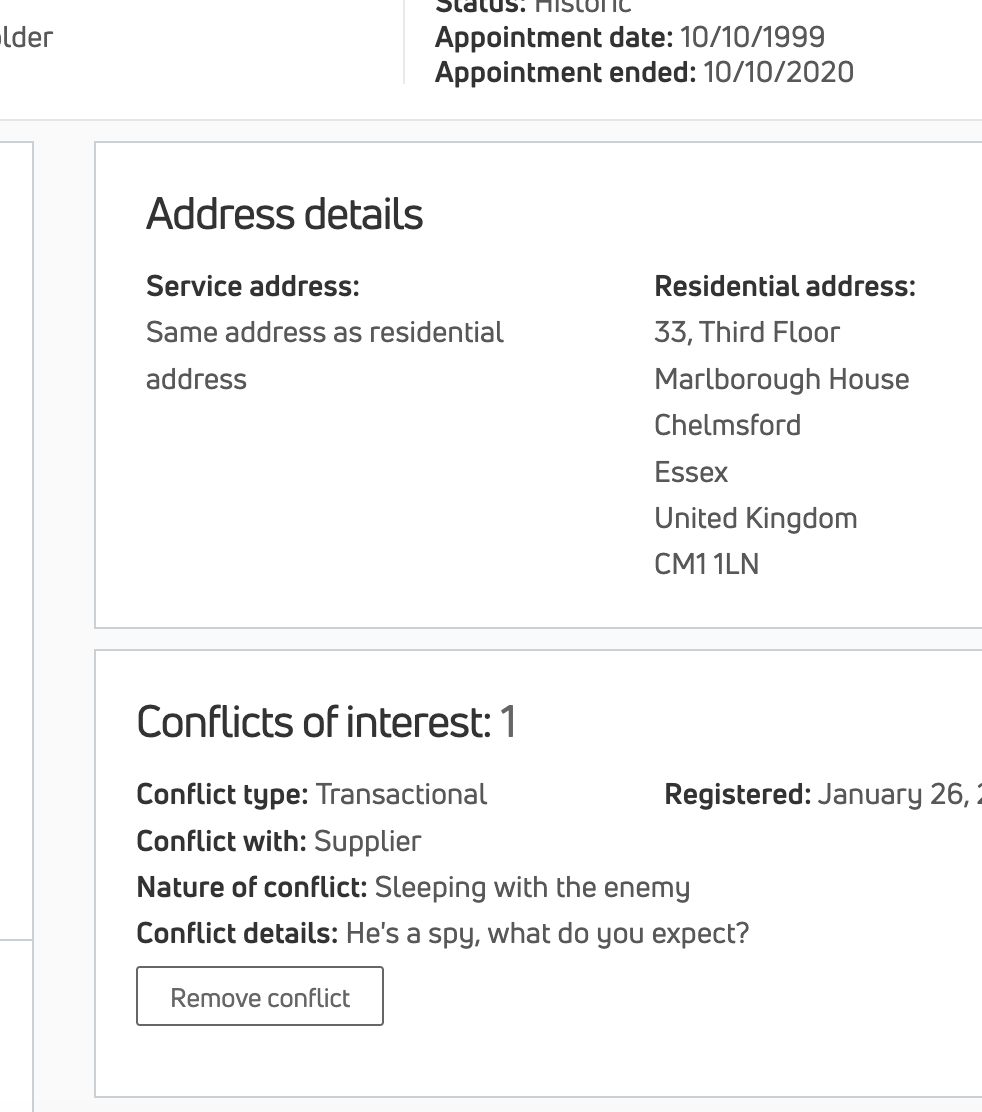
This guide explains how to remove a conflict of interest from a director’s profile in Kudocs.
The action is available via:
- Conflicts of interest section on a director’s stakeholder record
For more details on conflicts of interest, read our FAQ.
Last updated: 28/01/2026 by Kudocs Admin
Kudocs simplifies company management for business owners & professional advisers
Keep control of your corporate information: registers, documents, stakeholders, Companies House filings - accurate & available in seconds.
Go to the relevant director's page (stakeholder record)
Step 2
Details of the conflict are removed from both the director’s stakeholder record and the conflicts register
Outputs - all handled automatically by Kudocs
- Conflict of interest removed from the conflicts register.
- Stakeholder record updated.